Send feedback
How to tell us something, and what travels with the message.
-
Press Send feedback at the bottom of the sidebar. Choose whether it is an idea, something wrong, or a question, write it, and send.
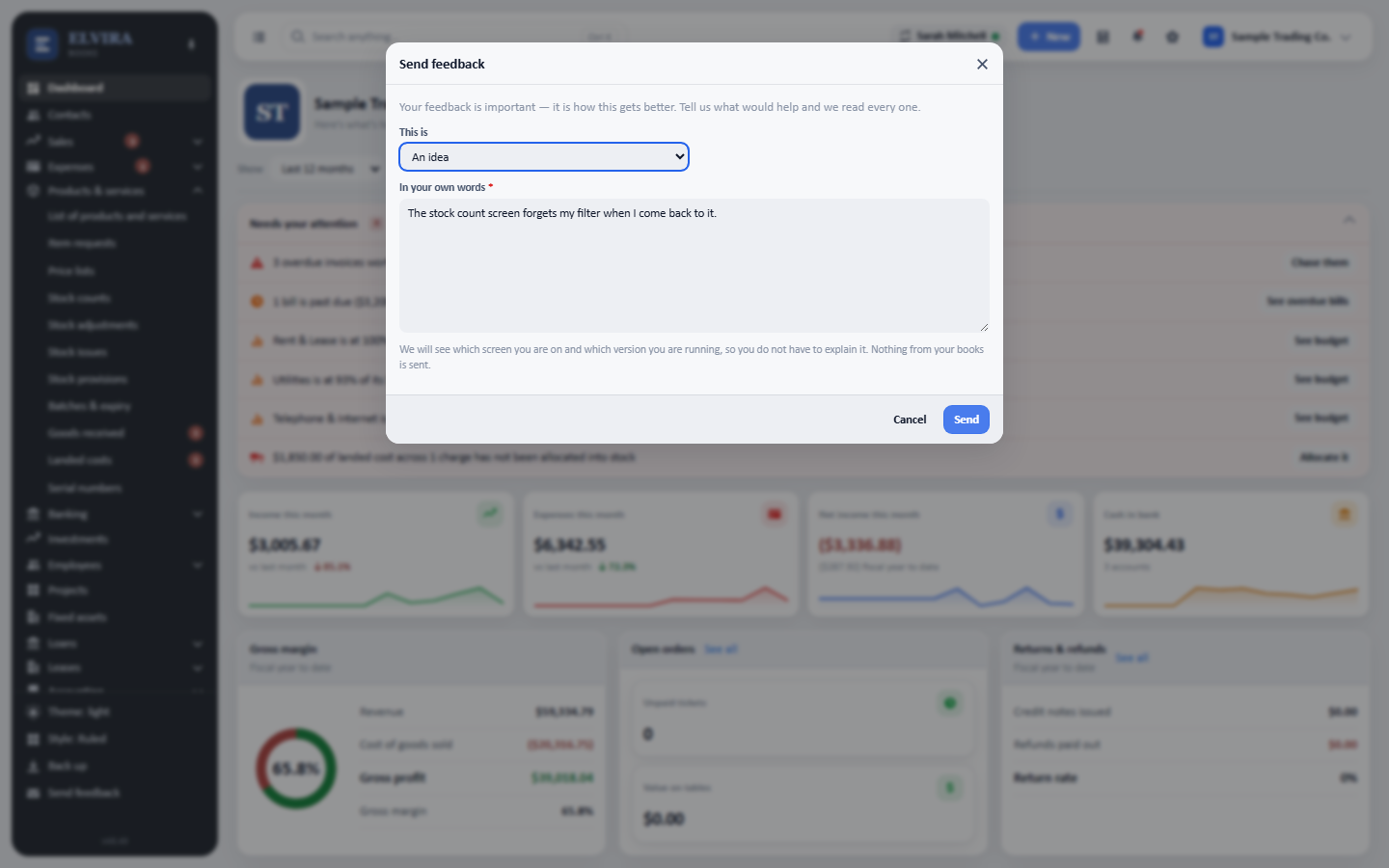
The screen you are on and the version you are running travel with the message, so you do not have to describe them.
Two things travel with it so you do not have to explain them: the screen you were on, and the version you are running. Nothing from your books goes: no figures, no names, no records.
Every message is read.