Prepaid expenses
Insurance, licences and subscriptions paid up front and released month by month.
A year of insurance paid in March is not March’s expense. Expenses → Prepaid expenses holds the cost on the balance sheet and releases it over the period it actually covers.
Adding one
-
Open Expenses → Prepaid expenses and press Add prepaid.
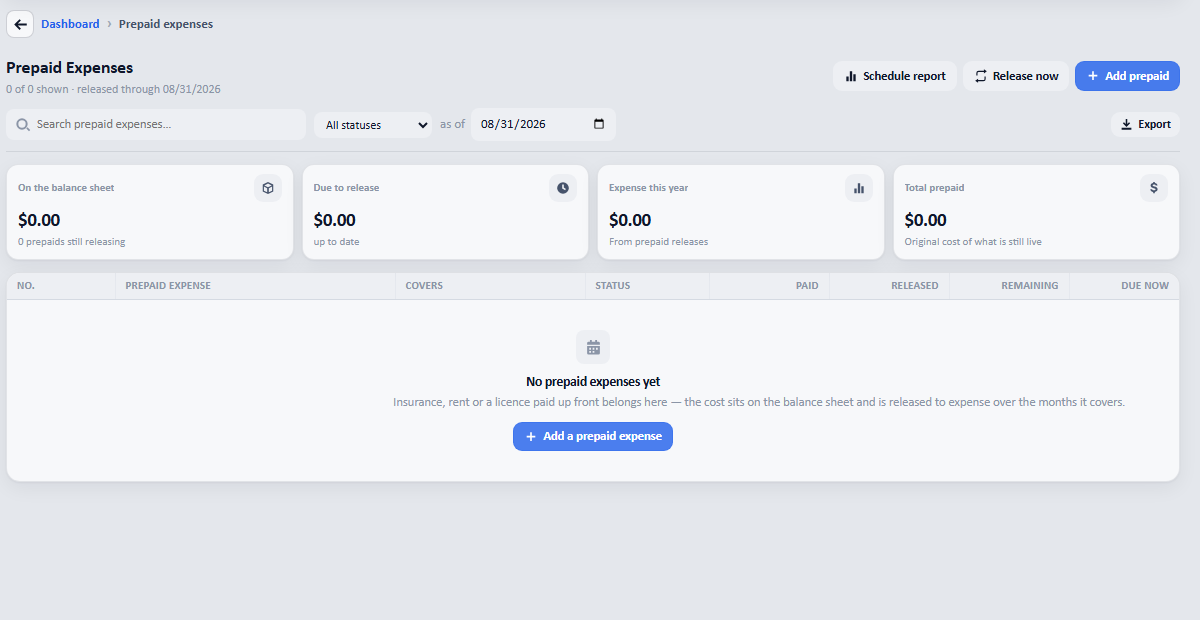
The list before anything is on it. The four tiles across the top are what the page will tell you once there is. -
Fill in the description, the amount paid, and the period it covers: Covers from and Covers to. Choose which expense account it should be charged to under Release to.
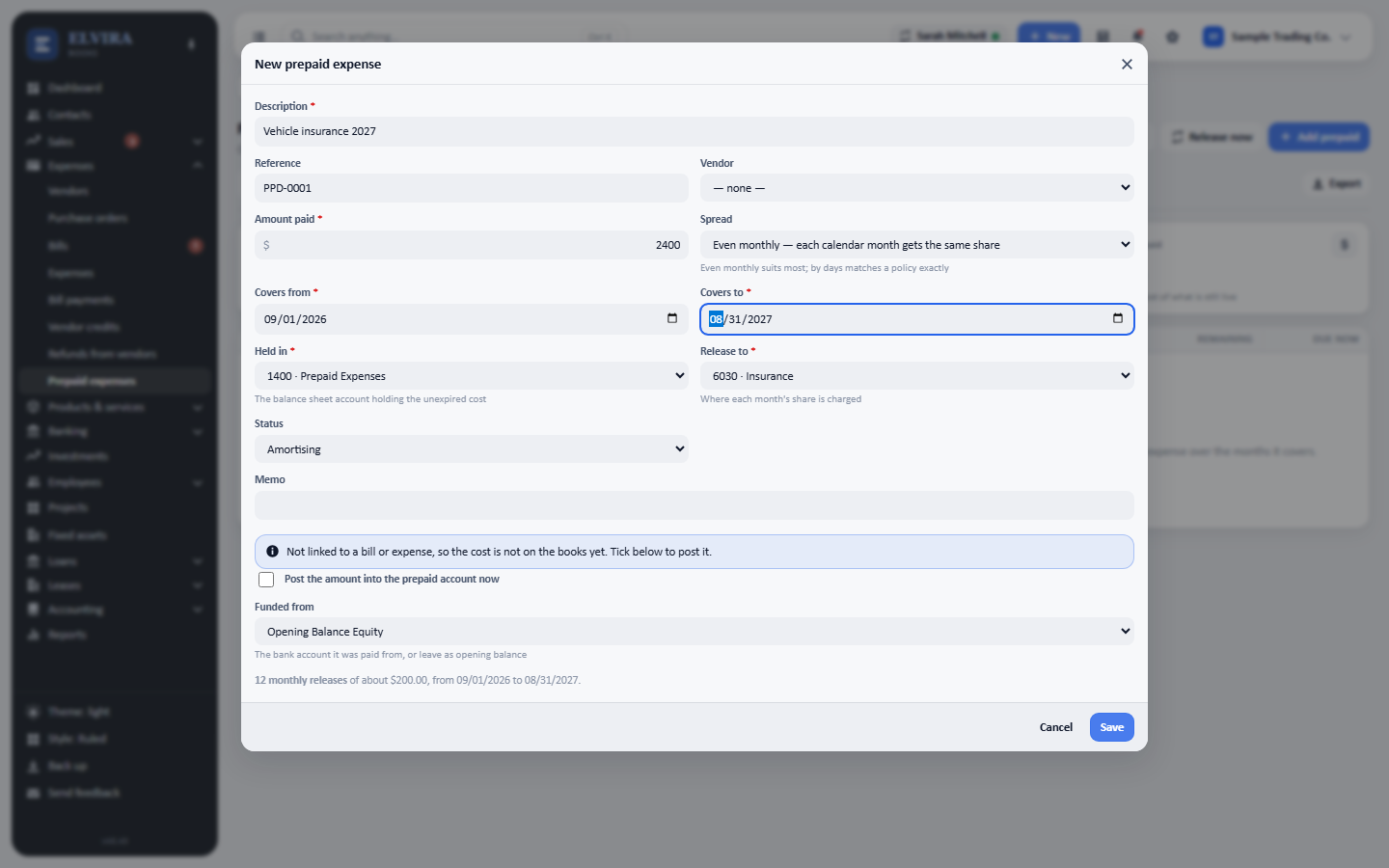
Elvira works the schedule out as you type: here, twelve monthly releases of about $200.00. -
Press Save. The prepaid appears with what has been released so far, what is still to come, and what is due now.
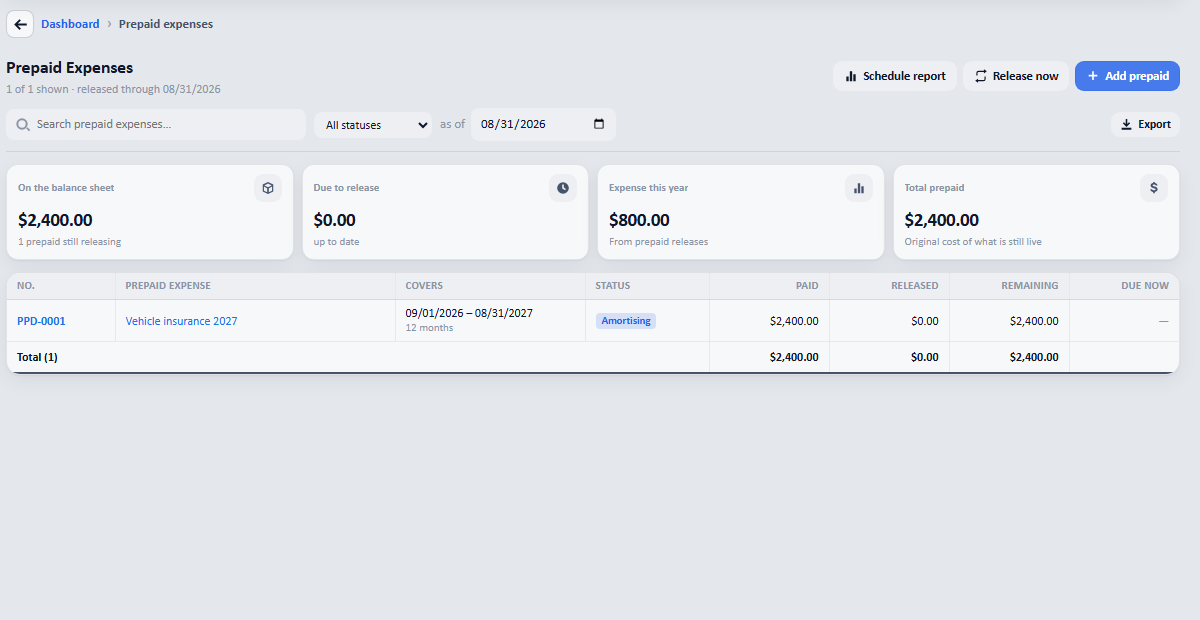
Saved. Nothing is released yet here because the policy starts in September: the whole $2,400 is still on the balance sheet, which is where it belongs until the cover begins.
Two things on that form worth knowing
- Spread chooses between an even monthly share and one that matches the days exactly. Even suits most policies; by days matters when the first and last months are part-months.
- Post the amount into the prepaid account now is for a prepaid that is not linked to a bill you have already entered. Leave it unticked if the bill is already in the books, or the cost goes in twice.
Releasing it
The page shows what is due and offers Release now. Each release moves that month’s share out of the prepaid account and into the expense: so the cost lands in the months it belongs to rather than all in the month you paid.