Create your company
What Elvira asks for on the first screen, and what it decides for you.
Sign up, and the first thing Elvira asks is the name of your company and the country it trades in. Both matter more than they look.
The country sets your base currency and the tax rules the company is born with: pick Bahrain and the books are in dinars. It is asked rather than guessed, because a laptop carried across a border still reports the timezone it was set up in.
From that Elvira builds a chart of accounts, the standard payment terms, and the tax rates for where you are. None of it is fixed; all of it can be changed afterwards.
What you can change later
- The name, the address and the logo, under Settings.
- Any account in the chart of accounts: add, rename, or make inactive.
- Tax rates and terms.
What is worth getting right now
The base currency. Everything is measured in it, so changing it later means restating what is already recorded.
-
Give the company its name and the country it trades in, then press Create.
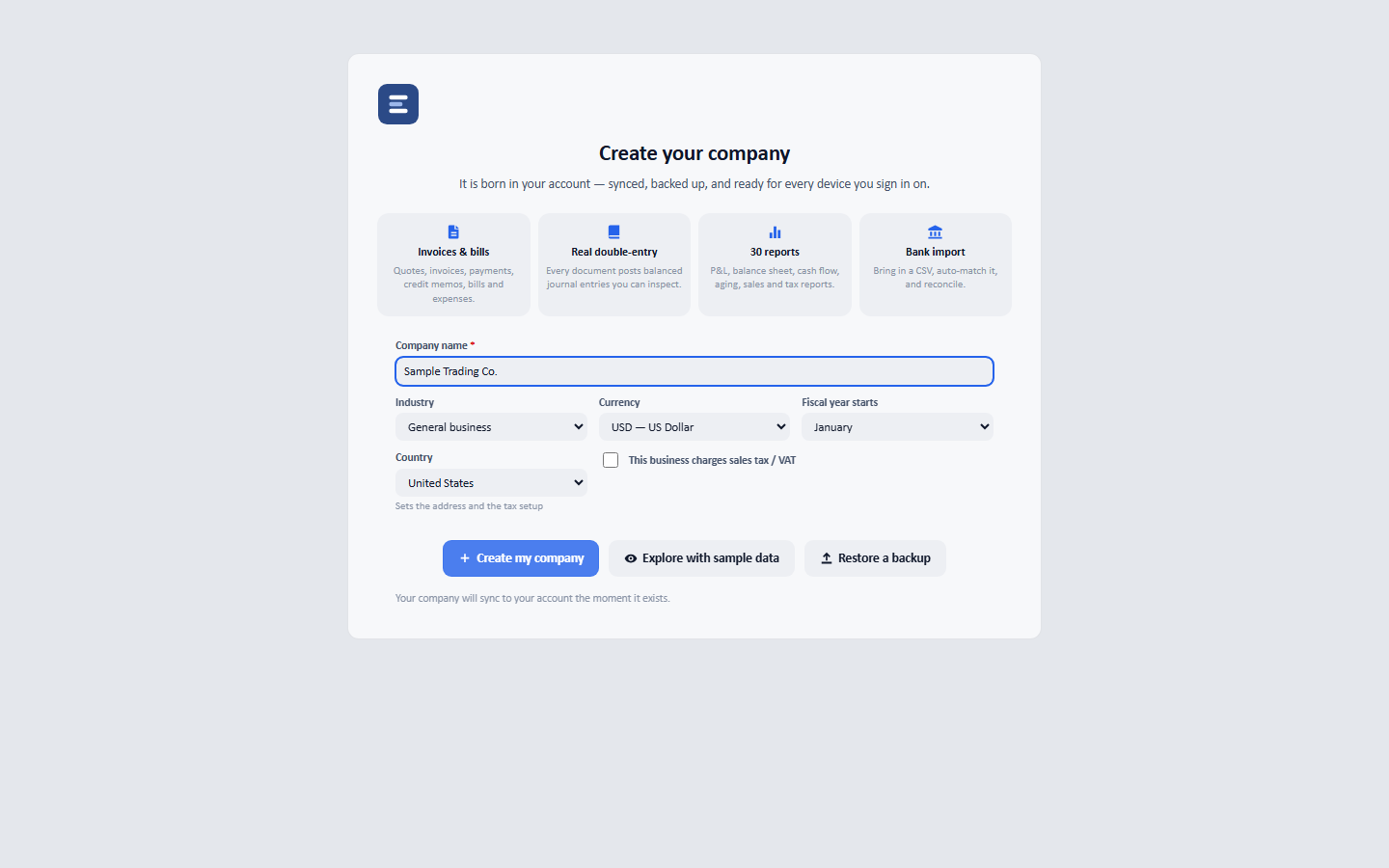
The country sets the base currency and the tax rules the company is born with: the currency follows the place, so pick the country and check the currency it chose.