Selling more than the shelf holds
The warning before stock goes negative, and the setting behind it.
Sell more of an item than is on hand and Elvira asks first, naming the item, what is on hand, what is being sold, and the figure the stock would end on. You can save anyway or cancel.
Where it applies
- In the books: on by default.
- At the POS: off by default, and switched on separately.
Both are under Settings → Purchases and stock. Turning the books warning off turns off the POS one too, because it cannot ask about something the books do not track.
-
Save an invoice for more than the shelf holds and Elvira asks before it posts anything.
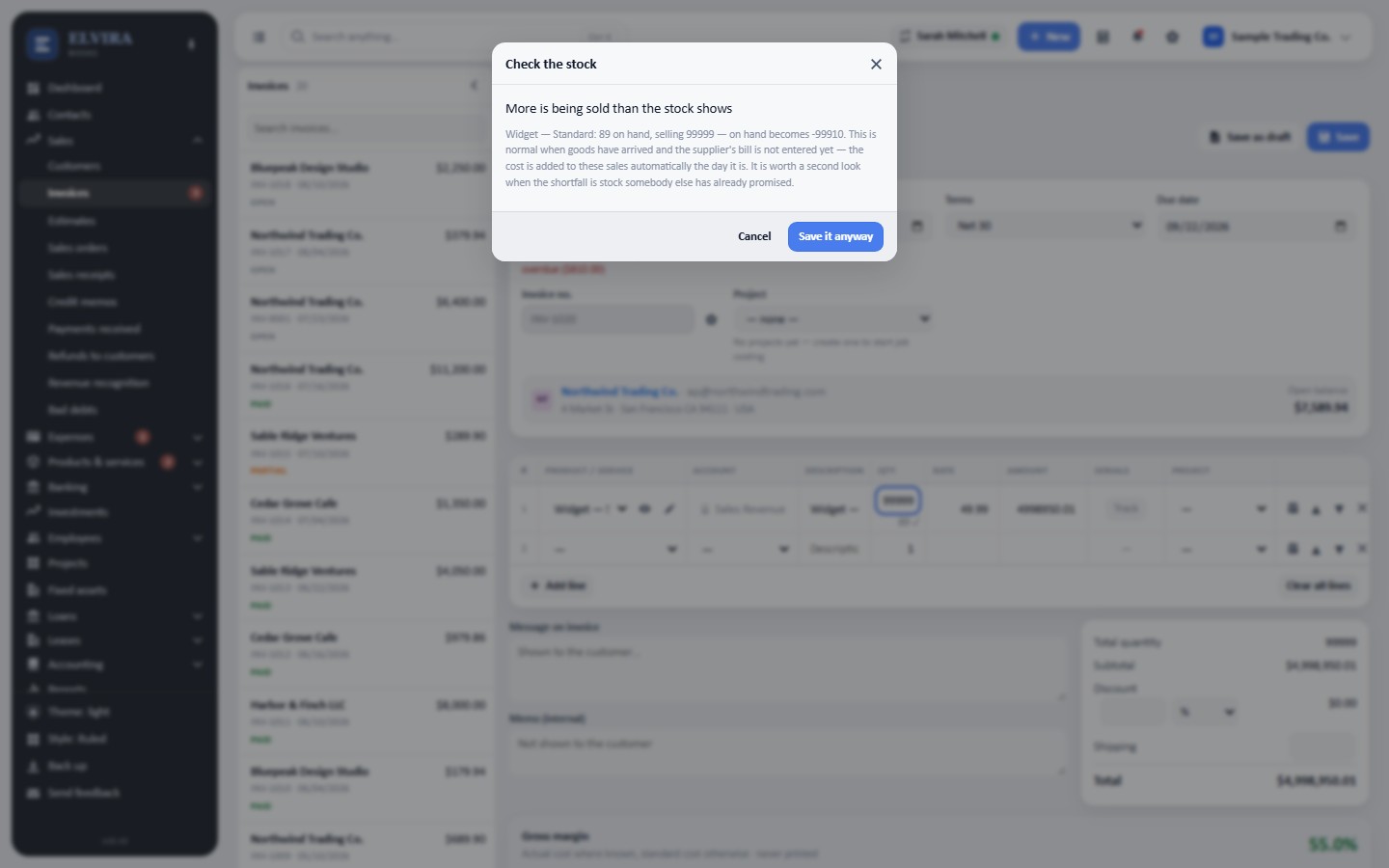
It names the item, what is on hand, what is being sold and the figure the stock would end on: then lets you save anyway or cancel.